
PROCESSES · TEAM AND DEVICES
Handheld Terminal
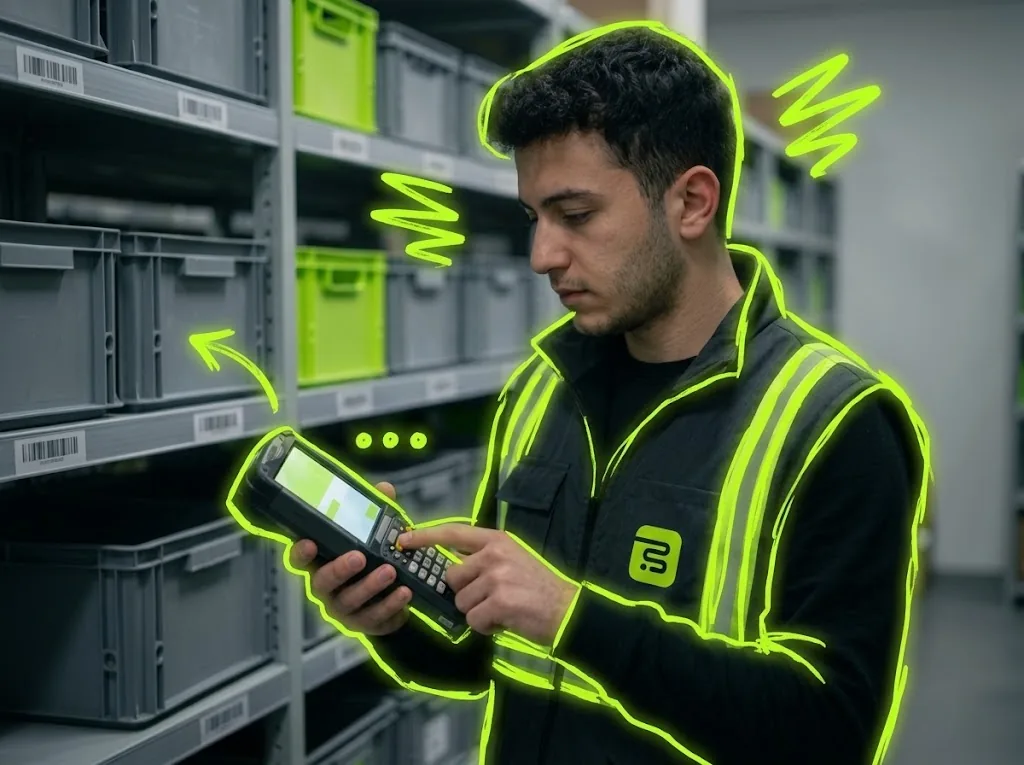
Picklo's handheld opens with a registered device and the worker's PIN; every floor task — receiving, moves, picking, packing, counting — runs on the same screen.
STEP BY STEP
What happens in the warehouse, and what Picklo does
Step 1: The device registers itself
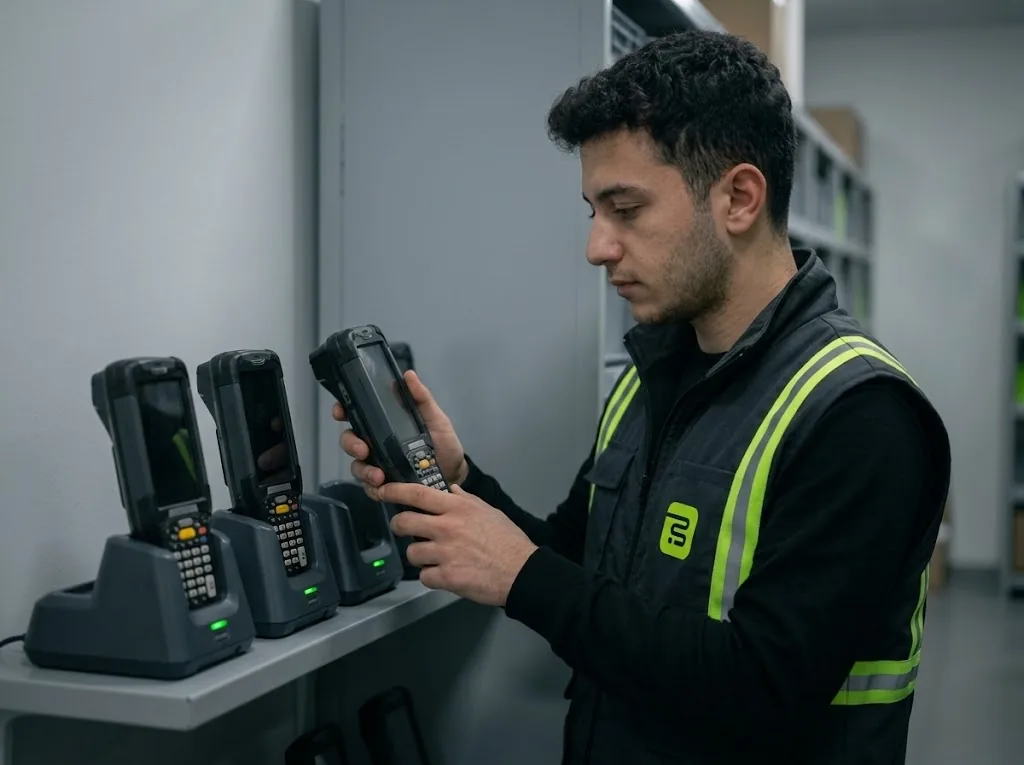
Open the Picklo address on the device and the worker signs in with their own email and password; the device appears in the panel's Handheld Terminals list at that moment. A lost or retired device is revoked from the panel.
Step 2: Workers sign in with a PIN
The panel generates a PIN for each worker; the PIN is shown once and only its hash is stored on the server. The handheld opens with the registered device token plus the worker's PIN. A handheld left idle for the time you set returns to the PIN screen.
Step 3: Work comes from the system
The worker taps “Take next task”; picking, packing, putaway, replenishment and count tasks come from the pool in order. Receiving and batch picking start from their own screens. Workers only work in the warehouses they are allowed.
Step 4: You set the scan rules
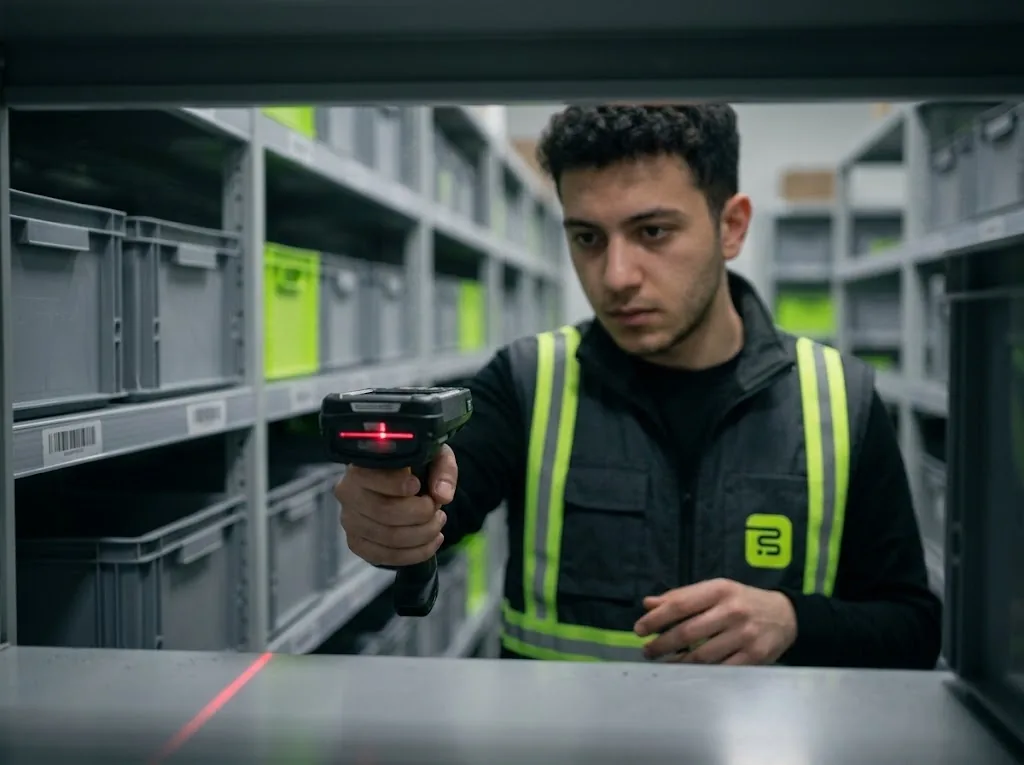
Shelf, item, tote and lot scanning for picking, and item verification for packing, are switched on separately in the panel. If the connection drops, pick confirmations are kept on the device and sent when it returns.
SECURE SIGN-IN
A registered device, a personal PIN.
The handheld asks for the device token and the worker's PIN together. An idle handheld returns to the PIN screen; the session stays, only the user identity is released.
- The PIN is shown only once
- Idle lock time set in the panel
- A revoked device won't open
PANEL · HANDHELD TERMINALS
You decide which barcodes are scanned.
Scan rules apply to every handheld in the warehouse at once. Picking scans are off by default; don't turn on shelf scanning before shelf labels are printed.
WHAT YOU GAIN
What Picklo gives you in this process
- No installationThe handheld opens in the browser and the device registers itself.
- Every action is tied to a personThe handheld opens with the worker's PIN and locks when idle.
- Your rulesScan steps are switched on and off per warehouse in the panel.
OTHER PROCESSES
The rest of your warehouse
GET STARTED
Ready to digitize your
warehouse operations?
Digitize your e-commerce and retail operations with Picklo and grow faster.