
PROCESSES · ORDER TO SHIPMENT
Orders & Rules
Orders enter manually in the panel or via the API; Picklo allocates stock, runs your rules and says why an order is not ready to pick.
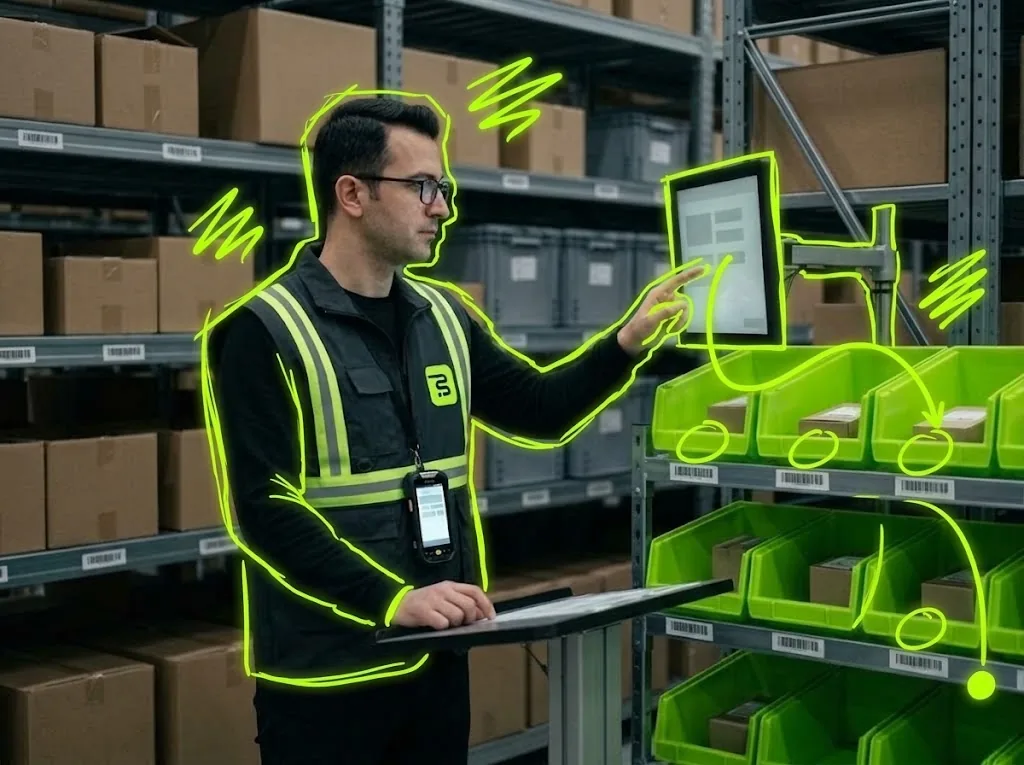
STEP BY STEP
What happens in the warehouse, and what Picklo does
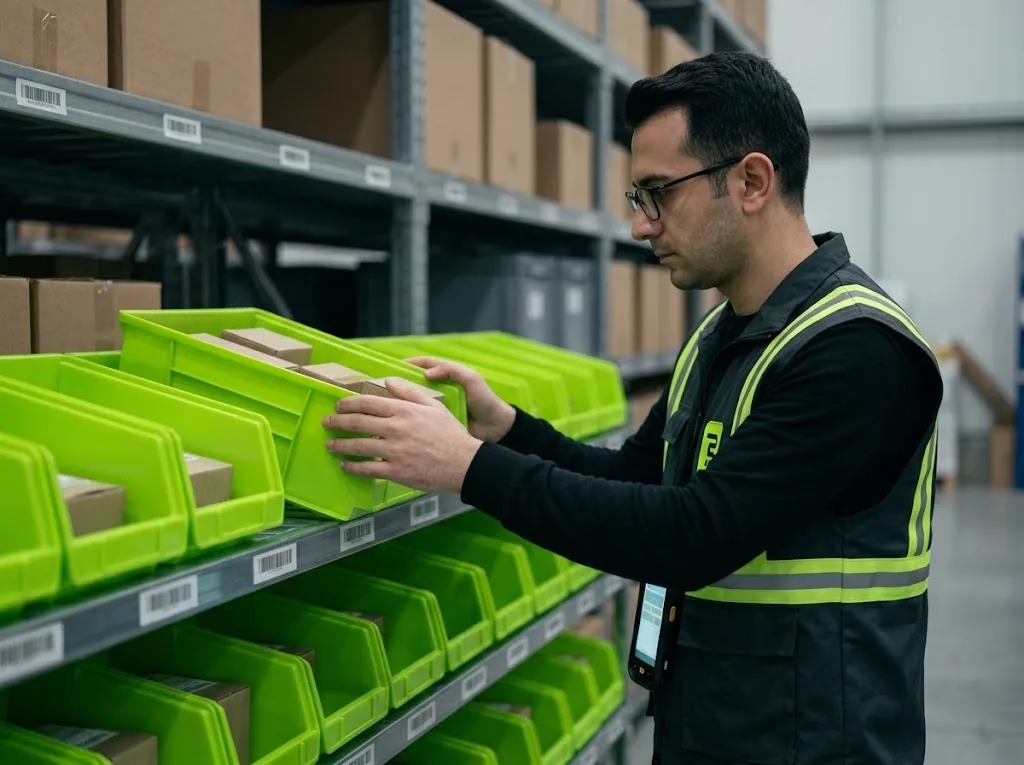
Step 1: The order comes in
Orders come in two ways: manually with “New order” in the panel, or via the API from your own system. An order with the same source and external reference is never recorded twice.
Step 2: Rules run
When an order is accepted, automation rules are tried in order and the first match applies. A rule can prioritize the order, tag it, put it on hold or allow partial shipment. The order history shows which rule ran.
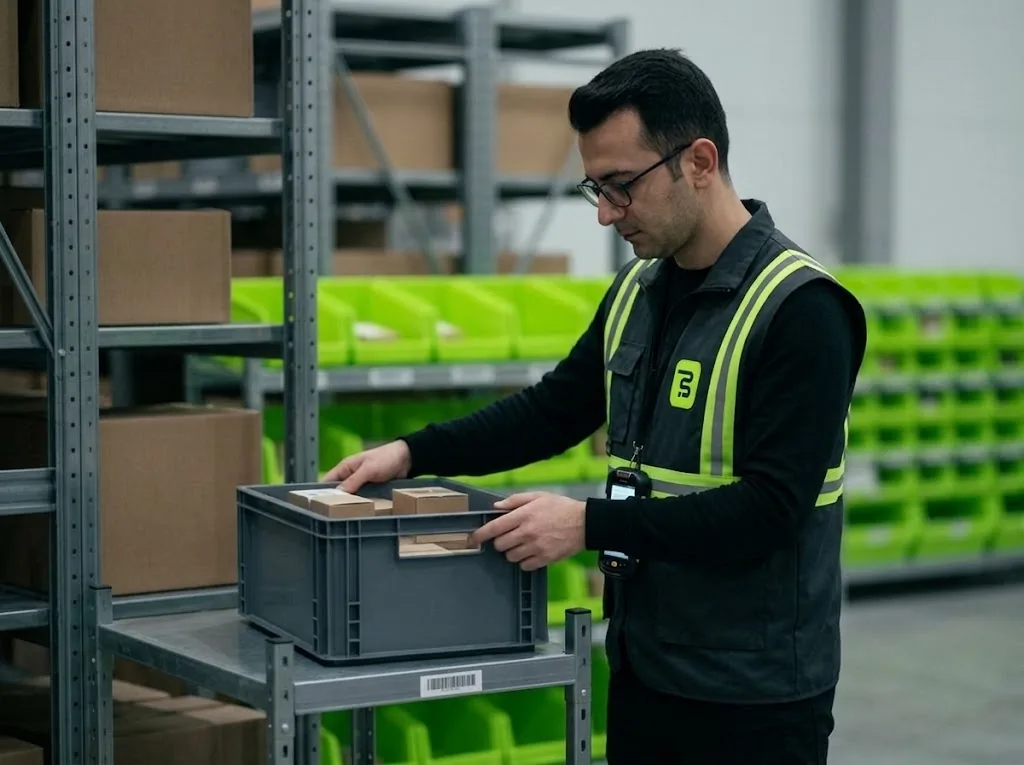
Step 3: Stock is allocated
Picklo allocates stock to the order lines. If stock arrives later, “Retry allocation” tries again. An allocated order becomes a picking task.
Step 4: Problem orders are held
If the address, city or phone is missing, the order opens but lands on an «address» hold and never reaches picking. The Orders screen says why each order is not being picked; removing a hold requires a reason.
PANEL · ORDERS
Where is the order, and why is it waiting?
Every order moves through Pending, Allocated, Picking, Packed and Shipped. A blocked order never reaches a picker; the screen says why.
- Hold types: Address, Payment, Fraud, Operator, Warehouse, Customer
- A shipped order cannot be cancelled
- Channels: Retail, Wholesale, Transfer, Manual
PANEL · AUTOMATION RULES
Leave repeated decisions to rules.
All of a rule's conditions must match; a rule without conditions fits every order. Rules are tried by priority and the engine stops at the first match.
WHAT YOU GAIN
What Picklo gives you in this process
- No duplicate ordersThe same source and external reference is never recorded twice.
- Consistent decisionsPriority, tags and holds follow the same rules for every order.
- Problem orders stay off the floorOrders on hold or missing an address are not picked, and the reason is shown.
OTHER PROCESSES
The rest of your warehouse
GET STARTED
Ready to digitize your
warehouse operations?
Digitize your e-commerce and retail operations with Picklo and grow faster.