
PROCESSES · ORDER TO SHIPMENT
Picking
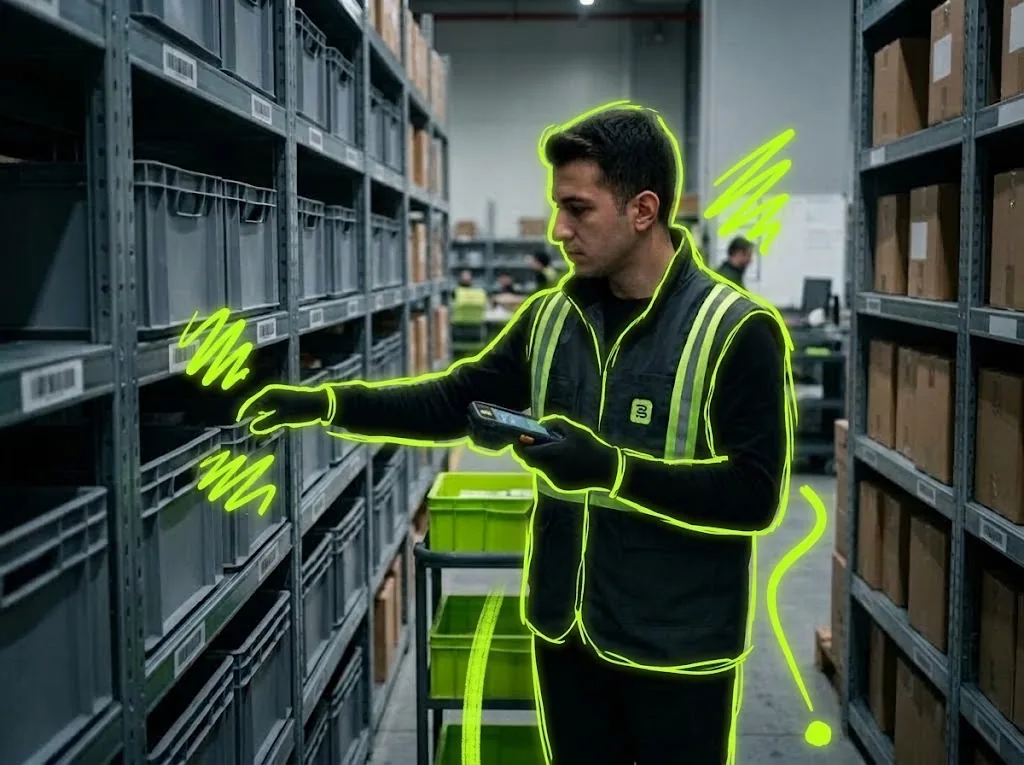
Picklo turns each order into a picking task; the picker sees shelf, item and quantity on the handheld and picks by scanning.
STEP BY STEP
What happens in the warehouse, and what Picklo does
Step 1: Work comes from the system
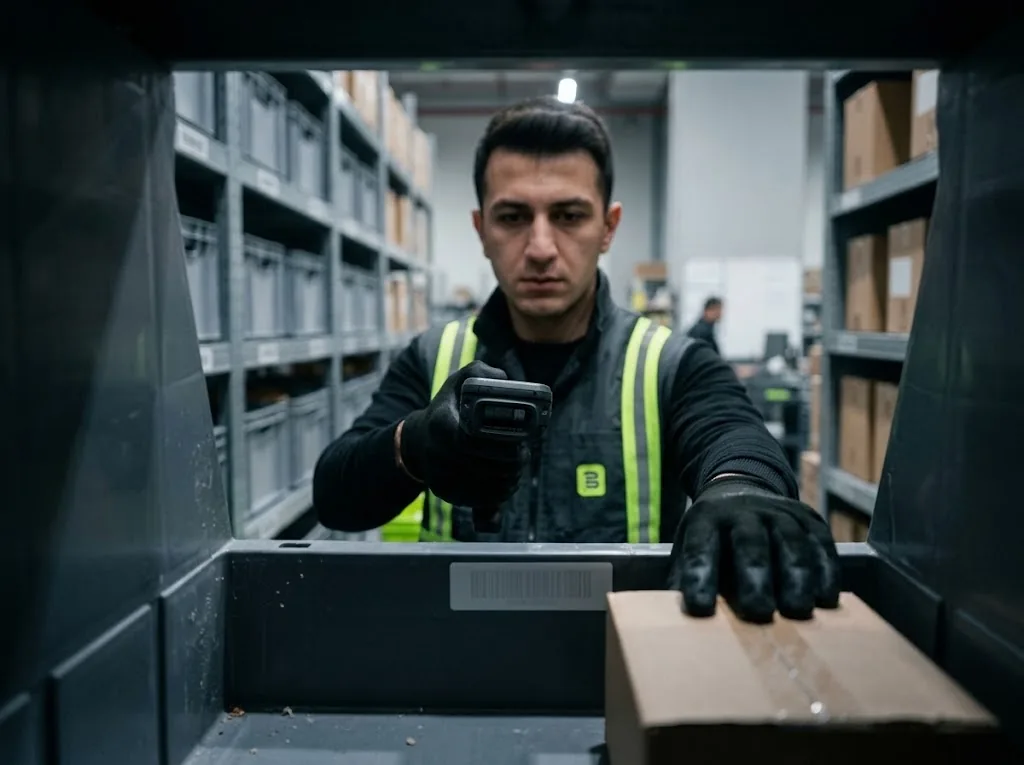
An allocated order becomes a picking task. The picker taps “Take next task” and Picklo decides what is next: priority, then due time, then arrival. A task never goes to two people at once, and an unfinished task comes back with the same button.
Step 2: Go to the shelf, scan, pick
The shelf code is the biggest text on the card, with item, SKU and quantity below. With the setting on, the shelf is scanned first, then the item. A wrong shelf shows the right one; a different item is named. Large number buttons confirm the quantity.
Step 3: Batch picking: several orders in one trip
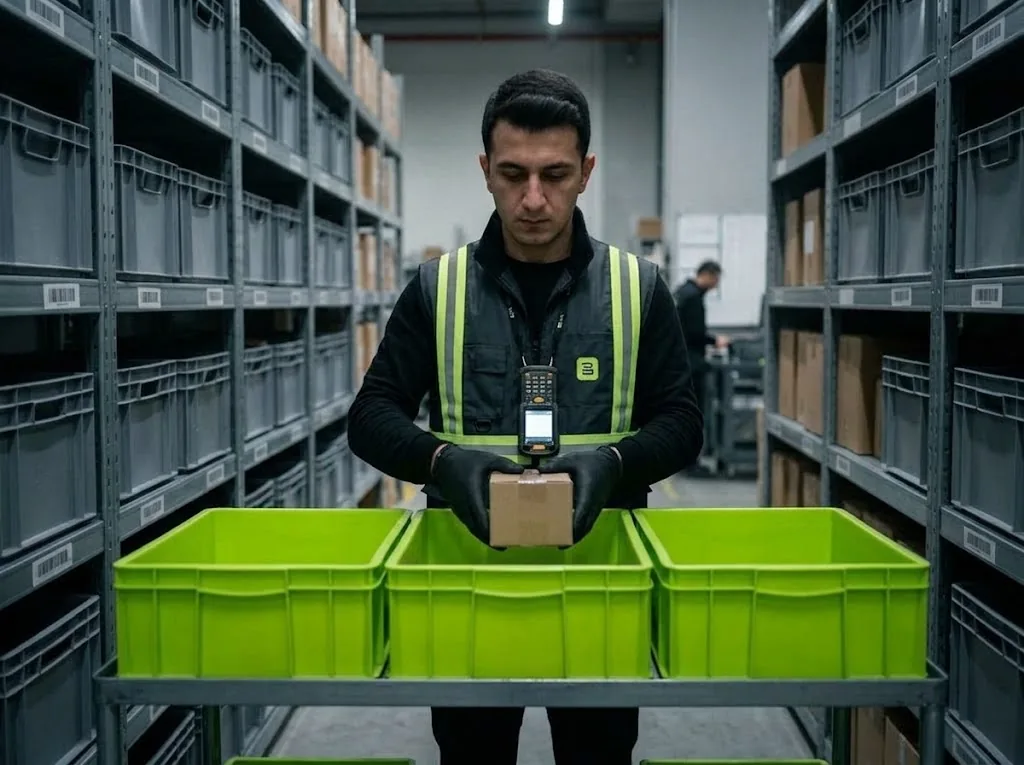
With “Batch picking” the picker chooses how many cart slots to use; each slot is assigned to one order. Shelves come in the walking sequence you define in the panel. With the setting on, the tote barcode is scanned too.
Step 4: Report a problem
If the shelf is empty, the picker taps “Report issue” and picks a fixed reason. Nobody is sent to that shelf until inventory staff clear the flag, and the task lands on the board under “Awaiting a human decision”. If the connection drops, the confirmation is kept on the device and sent later.
HANDHELD · PICK CARD
Shelf, item, quantity — scan and confirm.
When scanning is done the screen turns green and the next shelf comes up. Shelf, item, tote and lot scans are switched on separately in the panel; all are off by default.
- Wrong shelf and wrong item are caught at the scan
- Lot label for lot-tracked items
- Confirmations survive a dropped connection
HANDHELD · BATCH PICKING
How many cart slots will you use?
In batch picking the picker collects several orders in one trip; each order goes to its own slot on the cart. A warehouse setting limits how many orders a batch can hold.
WHAT YOU GAIN
What Picklo gives you in this process
- The wrong item never leaves the shelfWrong shelf and wrong item are caught at the scan.
- No time spent choosing tasksThe system hands out the next task; no two people take the same one.
- An empty shelf is reported onceThe next picker is not sent to a flagged shelf.
OTHER PROCESSES
The rest of your warehouse
GET STARTED
Ready to digitize your
warehouse operations?
Digitize your e-commerce and retail operations with Picklo and grow faster.