
PROCESSES · INBOUND
Putaway & Replenishment
Every place in the warehouse is an address; Picklo turns “move received goods to a shelf” and “refill the pick shelf” into field tasks.
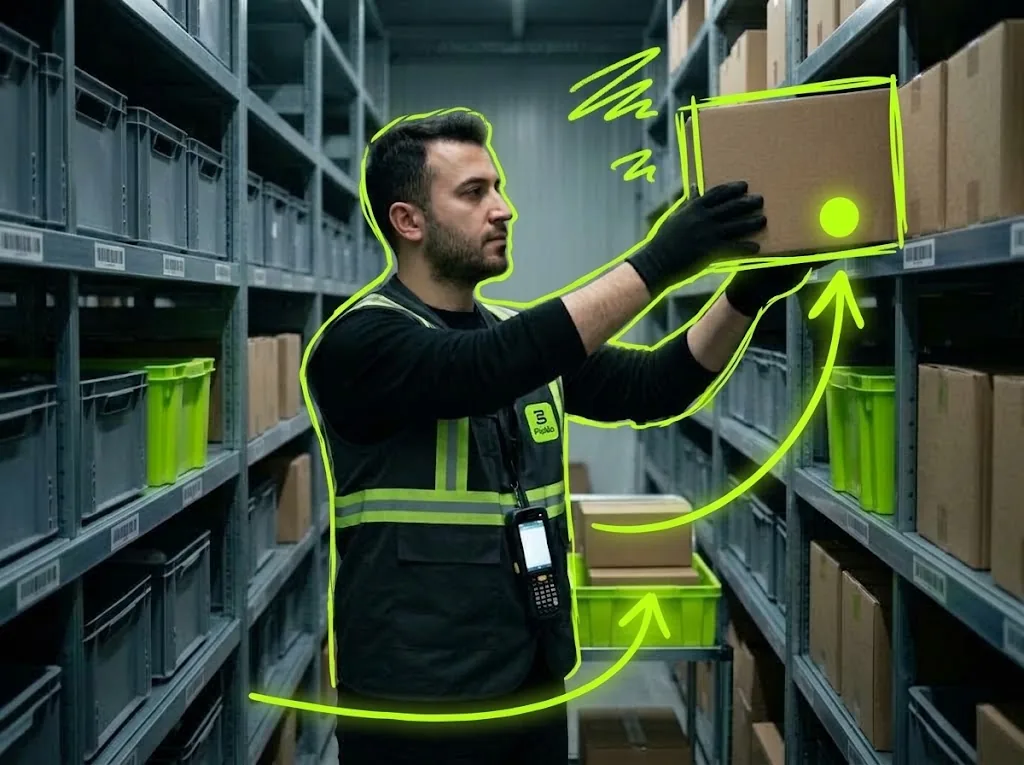
STEP BY STEP
What happens in the warehouse, and what Picklo does
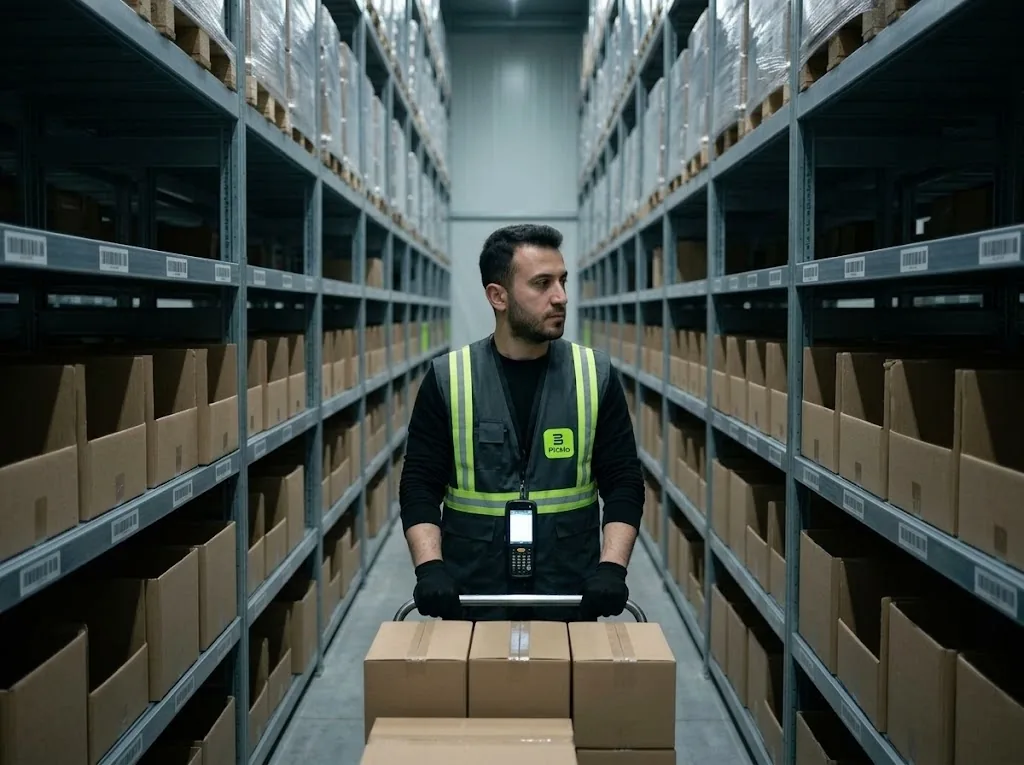
Step 1: Map the warehouse into addresses
Every place is a location: shelf, bin, staging and transit areas, linked as aisle, rack and bin. Each location is separately pickable and sellable. A shelf can carry capacity and mixing rules; moves that break them are refused. Shelf labels print in bulk from the Locations screen.
Step 2: Putaway: from staging to the shelf
Goods received into a staging area are listed as putaway work. The supervisor turns them into tasks with “Generate replenishment + putaway” on the board; a second task is never opened while one is open. The worker taps “Take next task”, chooses the destination shelf and scans it.
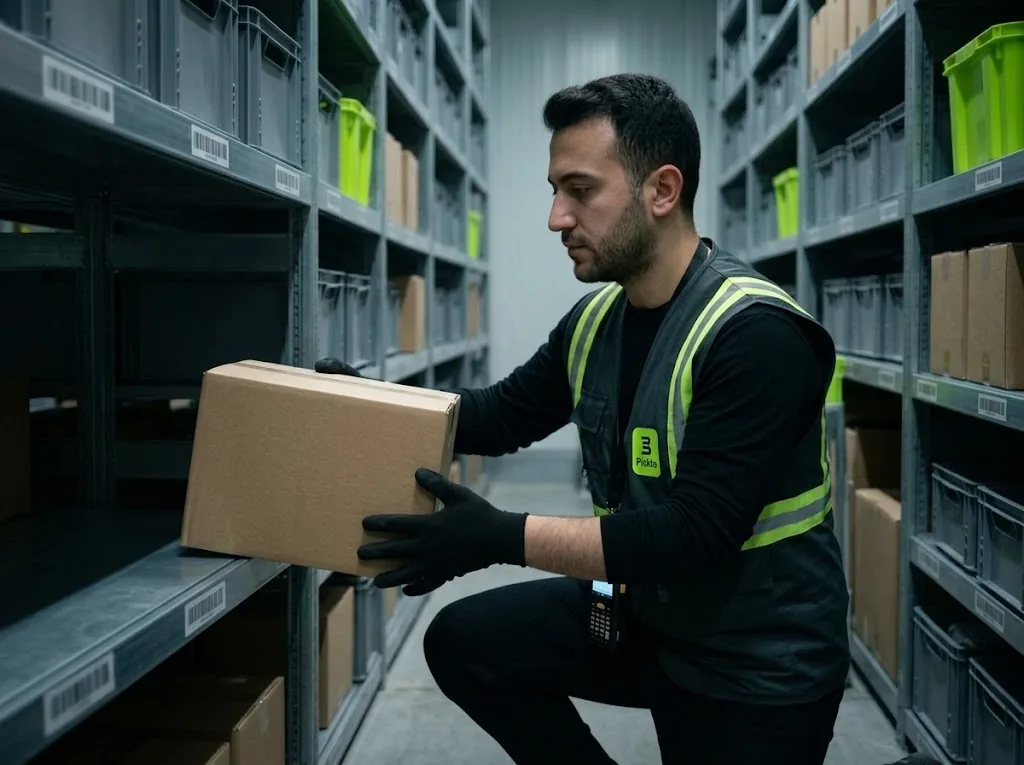
Step 3: Replenishment: when the pick shelf runs low
Set a replenishment minimum, maximum and increment per item; no minimum means replenishment is off. When the pick shelf, including open orders, drops below the minimum, Picklo calculates the need and moves stock from non-pickable storage shelves. No reserve stock, no task.
Step 4: Replenishment first, then putaway
Replenishment tasks are queued before putaway. The suggested quantity rounds up to the increment and never exceeds the maximum; a broken case is shown on the card. For lot-tracked items the earliest-expiry lot is suggested first.
HANDHELD · MOVE CARD
Source shelf, item, quantity — you scan the target.
The card shows where to take the goods from and how many. The worker scans the shelf where the goods go; an unknown barcode stops the move.
- Task types: Putaway and Replenishment
- The worker chooses the target shelf
- Shelf rules are checked on every move
PANEL · LOCATIONS
Your own address structure.
Locations are split by usage: storage, staging, transit. Pick priority and capacity are kept per shelf; the mixing rule can be any, single product or single lot.
WHAT YOU GAIN
What Picklo gives you in this process
- Staged goods are never forgottenEvery waiting item shows up as a field task.
- Pick-shelf needs are calculatedOne button turns them into replenishment tasks.
- Shelf rules holdCapacity and mixing limits are checked on every move.
OTHER PROCESSES
The rest of your warehouse
GET STARTED
Ready to digitize your
warehouse operations?
Digitize your e-commerce and retail operations with Picklo and grow faster.