
PROCESSES · ORDER TO SHIPMENT
Packing
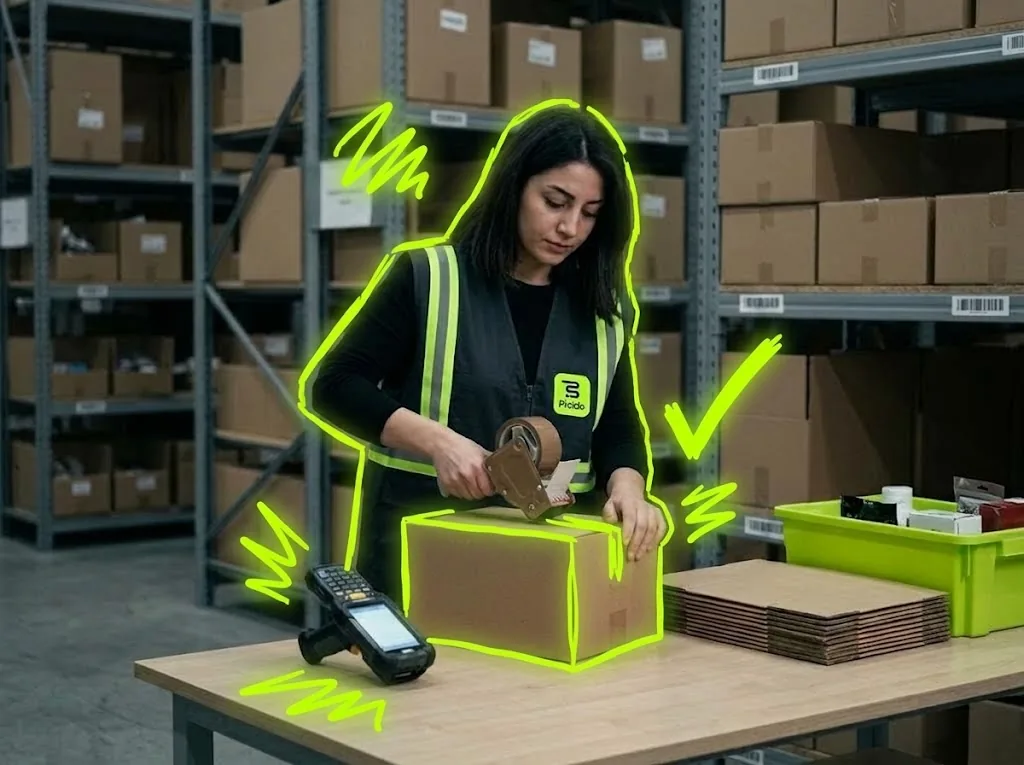
The picked tote arrives at the packing table; Picklo opens the right order, verifies the items and deducts stock when the package is closed.
STEP BY STEP
What happens in the warehouse, and what Picklo does
Step 1: Scan the tote
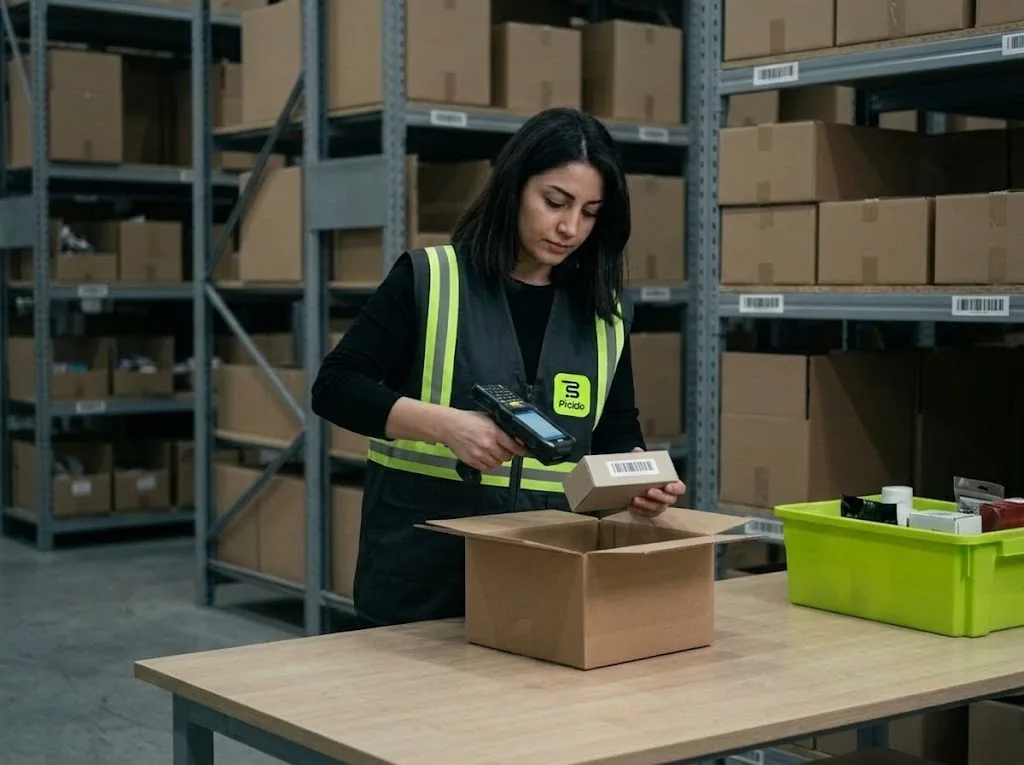
When picking ends, every tote gets a packing task. The packer scans the tote on the table first; only then does the order open. A wrong tote shows the expected barcode, and the server compares the tote barcode again on close.
Step 2: Scan the items
The screen has two columns: “To pack” and “Packed”. Each scanned item moves across; items not on the order, or extra units, are refused. “Undo” fixes a wrong scan. Item verification is switched on in the panel; while on, the package cannot close until every item is scanned.
Step 3: Choose the box
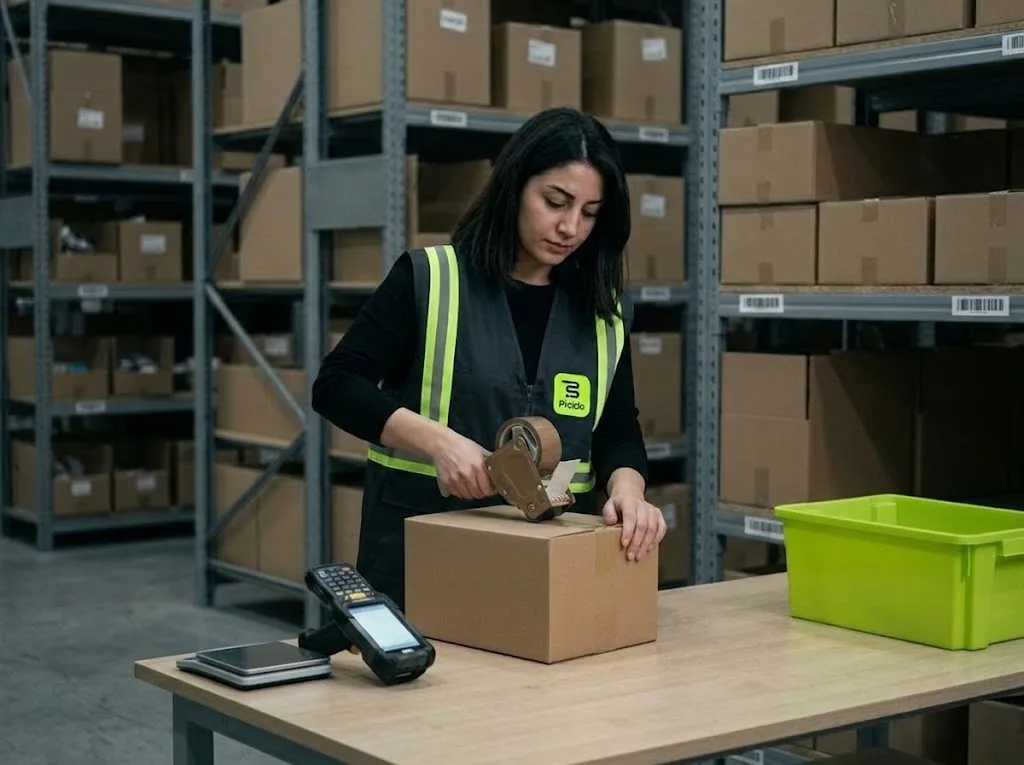
Pick a box from the list or scan its barcode; box types are defined in the panel with dimensions and empty weight. Package weight is calculated from box and item weights. “+ Add parcel” splits the order into several parcels.
Step 4: Close the package
The “Close package” button shows how many items remain and enables when all are done. Closing deducts stock immediately, opens a shipment record for the order and frees the tote. Retrying after a dropped connection never closes the package twice.
HANDHELD · PACKING
Every item going into the box is scanned.
Items are ticked off as they are scanned; once the box is chosen, the package weight is calculated. A parcel without a box blocks closing.
- Box types with dimensions and empty weight
- Several parcels per order
- Problems at the table go to a supervisor
ITEM VERIFICATION
Items not on the order stay out of the box.
If the packer scans an item that does not belong to this order, the screen refuses it; when the right item is scanned the line moves to “Packed”.
WHAT YOU GAIN
What Picklo gives you in this process
- The wrong order's box never closesThe tote barcode is compared on screen and on the server.
- Missing or extra items can't get inWith verification on, every item is scanned.
- Stock drops as goods leave the tableA shipment record opens at the same moment.
OTHER PROCESSES
The rest of your warehouse
GET STARTED
Ready to digitize your
warehouse operations?
Digitize your e-commerce and retail operations with Picklo and grow faster.