
PROCESSES · TEAM AND DEVICES
Live Board & Users
The supervisor board shows the warehouse right now: what is waiting, who is working, what is slipping. Every team account and role is managed in the panel.
STEP BY STEP
What happens in the warehouse, and what Picklo does
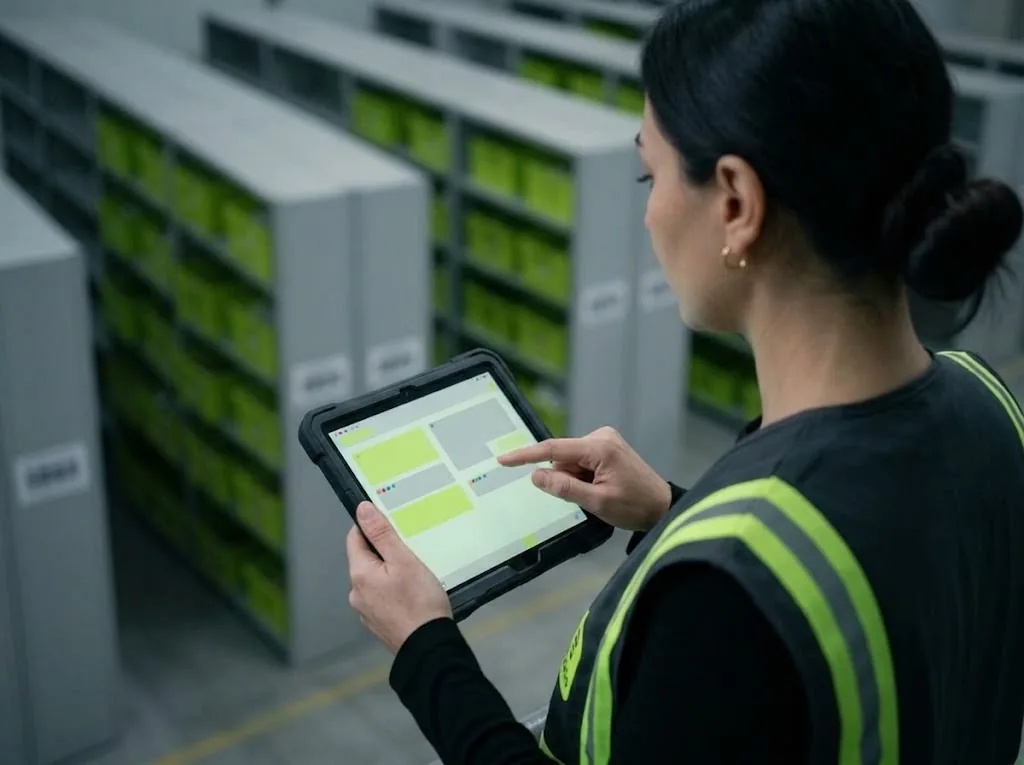
Step 1: See the warehouse right now
The supervisor board shows pending work, open exceptions, active workers and tasks at SLA risk. It refreshes itself as task events arrive; if the connection drops, it reloads every 15 seconds.
Step 2: Decide on exceptions
Tasks with a problem reported on the floor land in “Awaiting a human decision”. “Resolve” returns the task to the pool; if the need is gone, “Cancel” closes it.
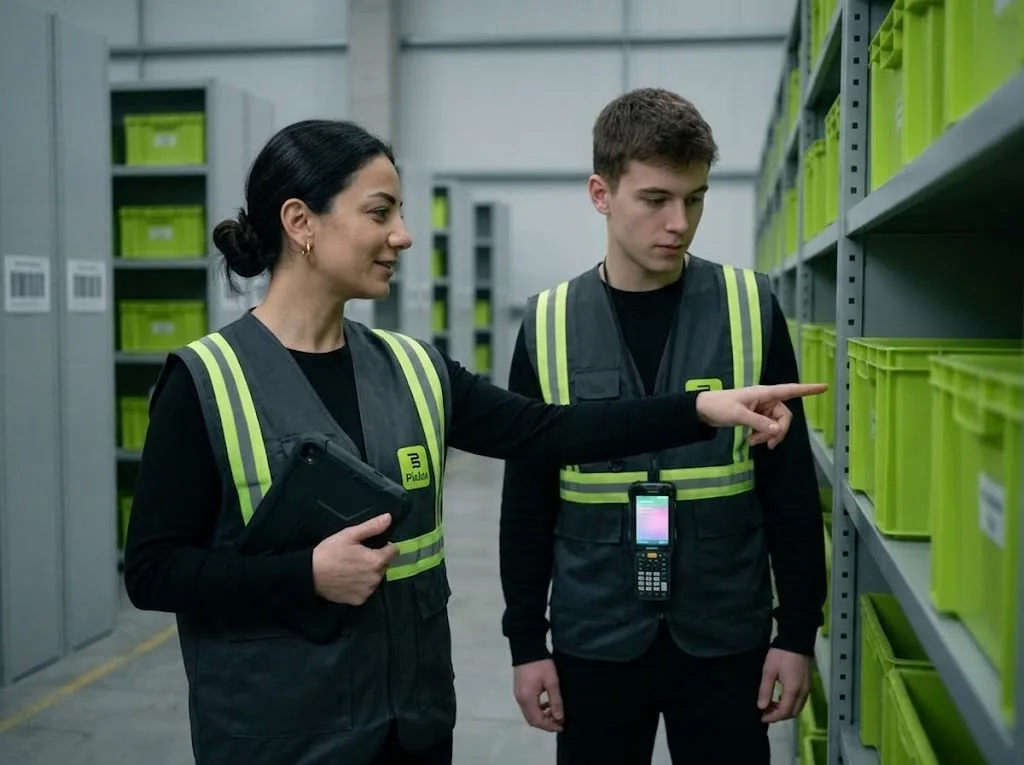
Step 3: Open accounts, give roles
On the Users screen you open accounts and assign roles: Owner, Admin, Supervisor, Operator. Leave the password empty and a one-time invitation link is generated; the user sets the password themselves. Opening accounts and changing roles is limited to owners and admins.
Step 4: Every admin action is logged
Users are never deleted, only deactivated, so past records keep who did what. The admin log keeps account actions with who, to whom and when; entries cannot be changed or deleted.
PANEL · SUPERVISOR BOARD
What's waiting, who's working, what's slipping?
Four numbers summarise the warehouse; task types and their status are listed below. No need to reload the page.
- Pending work · Open exceptions · Active workers · SLA risk
- Replenishment and putaway tasks with one button
- Reloads by itself if the connection drops
AWAITING A HUMAN DECISION
Problems aren't hidden, they're solved.
If a picker can't find the item or the barcode won't scan, the task goes to a supervisor. The supervisor resolves it and the task returns to the pool.
WHAT YOU GAIN
What Picklo gives you in this process
- No problem slips byEvery issue reported on the floor waits for a decision in one list.
- Everyone sees only their workFour roles, each with its own screens and actions.
- Who did what is on recordAdmin actions are kept in a log that cannot be changed.
OTHER PROCESSES
The rest of your warehouse
GET STARTED
Ready to digitize your
warehouse operations?
Digitize your e-commerce and retail operations with Picklo and grow faster.