
PROCESSES · ORDER TO SHIPMENT
Shipping
When a package closes, Picklo opens a shipment record for the order; the package leaving the warehouse is recorded in the panel and the order closes for good.
STEP BY STEP
What happens in the warehouse, and what Picklo does
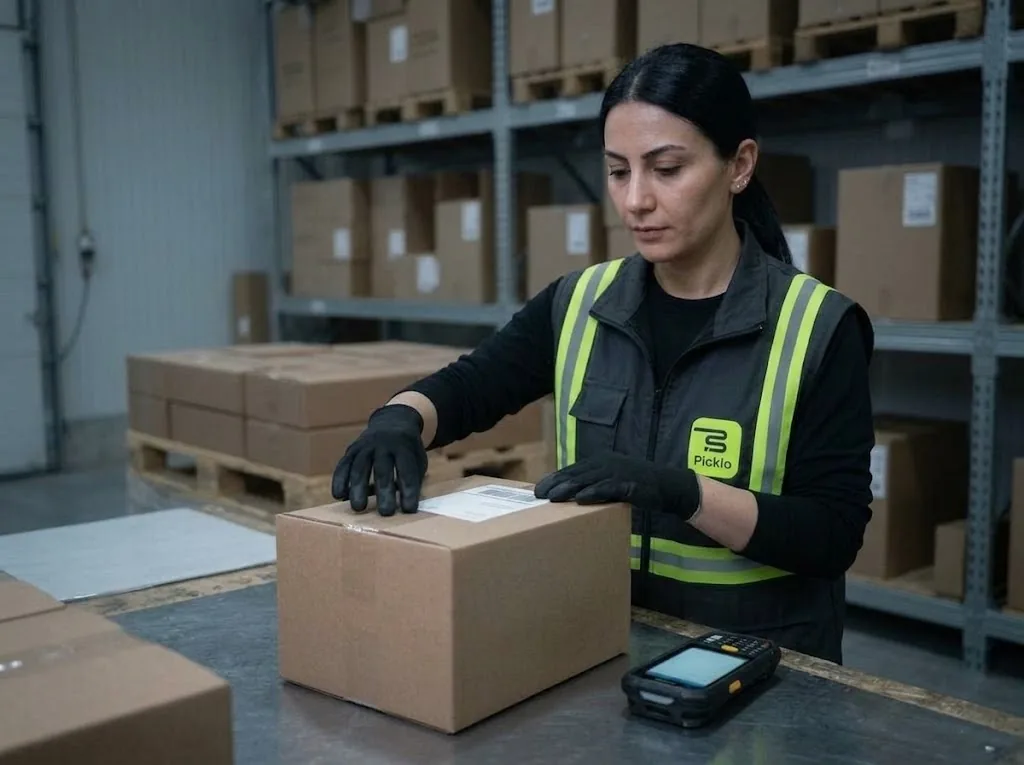
Step 1: A package closes, a shipment opens
The moment a package closes at the packing table, Picklo opens a shipment record for the order. The Shipments screen lists records with parcels, weight and next step.
Step 2: The package leaves the warehouse
A carrier connection is not available in Picklo today: labels and hand-over happen with your carrier the way you do it now. Once the package leaves, an authorised user clicks “Mark as shipped” in the panel; that closes the order.
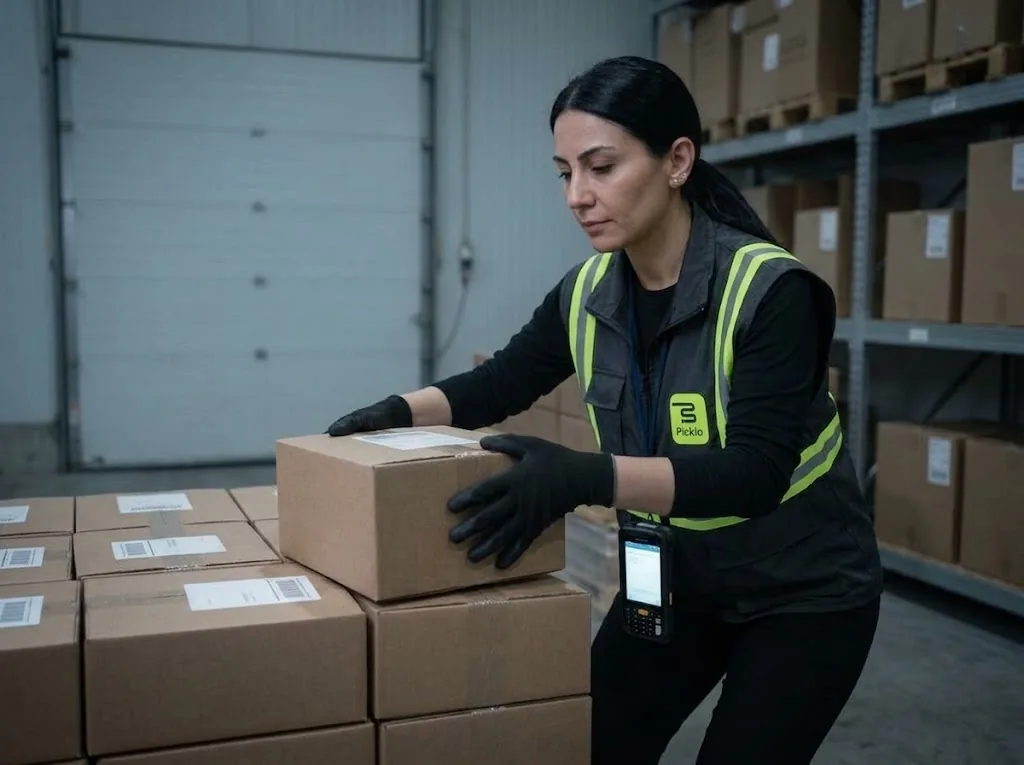
Step 3: The order closes as shipped
A packed order is closed with “Mark as shipped” by the person who hands the package over. This action is open to supervisors and above.
Step 4: Going back means a return
Shipped cannot be undone and a shipped order cannot be cancelled. Goods coming back get a new return.
A PACKAGE LEAVING
From table to door, every step recorded.
When a package closes, stock drops and a shipment opens; when the package is handed over, the order closes as shipped. Every step in between is visible in the panel.
- The shipment record opens automatically at packing
- Mark as shipped: supervisors and above
- A shipped order cannot be undone
PANEL · SHIPMENTS
Today's outgoing packages in one list.
The Shipments screen shows every packed order with its parcels and status. When an order is packed, its shipment appears here automatically.
WHAT YOU GAIN
What Picklo gives you in this process
- No packed order gets lostEvery closed package is listed as a shipment record.
- You know who shipped itOnly authorised roles can mark an order as shipped.
- A closed order stays closedShipped cannot be undone; returns handle the way back.
OTHER PROCESSES
The rest of your warehouse
GET STARTED
Ready to digitize your
warehouse operations?
Digitize your e-commerce and retail operations with Picklo and grow faster.